GO FIRST CLUB VIP
All the Dare Decks,
right here.
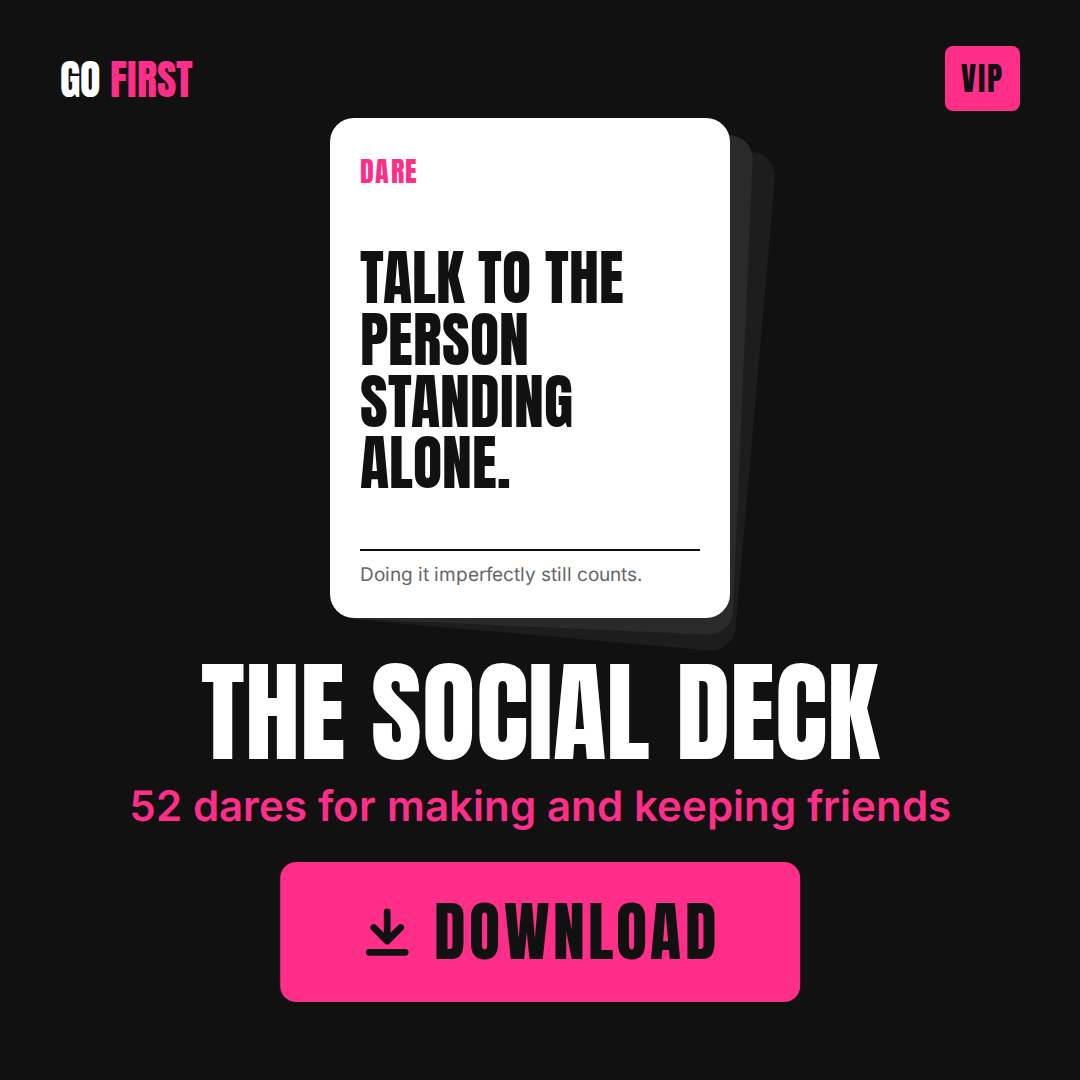
As a VIP member, every Dare Deck is yours, including new ones as they come out. Tap any deck below to download it.
Tip: Add each deck to your phone's home screen so it's always one tap away, and stick with the same phone so your progress saves.
How to Use the Decks
-
Open the link on your phone and add it to your home screen. It behaves like an app without being one, so there's nothing to download and no app store involved. Your progress saves as you go, and no dare repeats until you've been through all 52.
How to use it
It's simple. You get a link. Open it on your phone and start pulling cards.
Tap Pull a card and you get one dare. Do it that day if you can, then tap I did it to count it. Pull another whenever you want one. No card repeats until you've been through all 52.
Want it on your home screen?
You don't have to. The link works fine from your bookmarks. Most people add it anyway, because an icon you can tap is a deck you'll actually use, and a link buried in your browser history is one you'll forget about by Thursday.
iPhone: Open the link in Safari, tap the share button at the bottom, scroll down to Add to Home Screen, and tap Add.
Android: Open the link in Chrome, tap the three dots in the corner, and tap Add to Home screen or Install app.
Either way it takes about thirty seconds and there's nothing to download.
Your progress saves on whichever device you use, so pick one and stay with it.
Download below