 Image 1 of 1
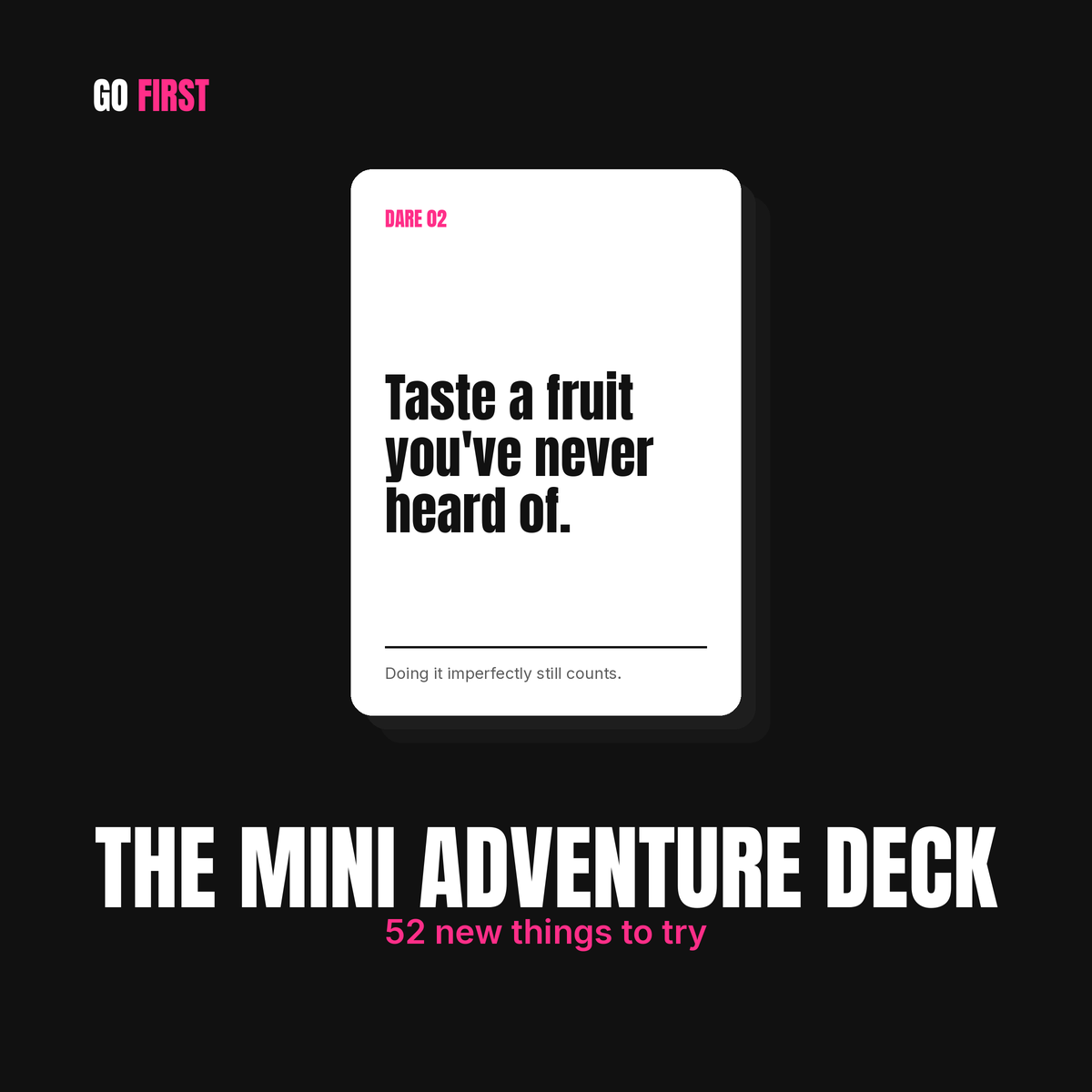
THE MINI ADVENTURE DECK
52 new things to try.
Remember when everything was a first? At some point most of us settle into the same restaurants, the same routes, and the same weekend plans, and a year goes by without a single new story to tell. This deck shakes that loose. Do an escape room. Learn a dance from a video all the way through. Go to a talk on a subject you know nothing about. Visit the town you've only ever driven through.
None of these require a plane ticket or a big budget. Most fit into an afternoon, and plenty can be done with a friend, your kids, or a partner who's also ready for something different. Each one is small, and together they add up to a life that feels a lot less like autopilot.
Pull one whenever you want it. Do it that day or plan it for the weekend, mark it done, and pull another when you're ready. No schedule, nothing that breaks if you skip a week.
The last card is saved for the end, and it's the one that asks the most of you.
How it works
Open the link on your phone and add it to your home screen. It behaves like an app without being one, so there's nothing to download and no app store involved. Your progress saves as you go, and no dare repeats until you've been through all 52.
Who it's for
Anyone who feels stuck in a rut, wants more fun in their week, or keeps saying "we should try that sometime" and never does. It works for solo explorers, couples, friends, and families, and it pairs well with The Solo Deck if you want adventures for both kinds of days.
What you get
Your deck link, sent right after you buy. Setup takes about thirty seconds.
Doing it imperfectly still counts.
How to use it
It's simple. You get a link. Open it on your phone and start pulling cards.
Tap Pull a card and you get one dare. Do it that day if you can, then tap I did it to count it. Pull another whenever you want one. No card repeats until you've been through all 52.
Want it on your home screen?
You don't have to. The link works fine from your bookmarks. Most people add it anyway, because an icon you can tap is a deck you'll actually use, and a link buried in your browser history is one you'll forget about by Thursday.
iPhone: Open the link in Safari, tap the share button at the bottom, scroll down to Add to Home Screen, and tap Add.
Android: Open the link in Chrome, tap the three dots in the corner, and tap Add to Home screen or Install app.
Either way it takes about thirty seconds and there's nothing to download.
Your progress saves on whichever device you use, so pick one and stay with it.
THE MINI ADVENTURE DECK
52 new things to try.
Remember when everything was a first? At some point most of us settle into the same restaurants, the same routes, and the same weekend plans, and a year goes by without a single new story to tell. This deck shakes that loose. Do an escape room. Learn a dance from a video all the way through. Go to a talk on a subject you know nothing about. Visit the town you've only ever driven through.
None of these require a plane ticket or a big budget. Most fit into an afternoon, and plenty can be done with a friend, your kids, or a partner who's also ready for something different. Each one is small, and together they add up to a life that feels a lot less like autopilot.
Pull one whenever you want it. Do it that day or plan it for the weekend, mark it done, and pull another when you're ready. No schedule, nothing that breaks if you skip a week.
The last card is saved for the end, and it's the one that asks the most of you.
How it works
Open the link on your phone and add it to your home screen. It behaves like an app without being one, so there's nothing to download and no app store involved. Your progress saves as you go, and no dare repeats until you've been through all 52.
Who it's for
Anyone who feels stuck in a rut, wants more fun in their week, or keeps saying "we should try that sometime" and never does. It works for solo explorers, couples, friends, and families, and it pairs well with The Solo Deck if you want adventures for both kinds of days.
What you get
Your deck link, sent right after you buy. Setup takes about thirty seconds.
Doing it imperfectly still counts.
How to use it
It's simple. You get a link. Open it on your phone and start pulling cards.
Tap Pull a card and you get one dare. Do it that day if you can, then tap I did it to count it. Pull another whenever you want one. No card repeats until you've been through all 52.
Want it on your home screen?
You don't have to. The link works fine from your bookmarks. Most people add it anyway, because an icon you can tap is a deck you'll actually use, and a link buried in your browser history is one you'll forget about by Thursday.
iPhone: Open the link in Safari, tap the share button at the bottom, scroll down to Add to Home Screen, and tap Add.
Android: Open the link in Chrome, tap the three dots in the corner, and tap Add to Home screen or Install app.
Either way it takes about thirty seconds and there's nothing to download.
Your progress saves on whichever device you use, so pick one and stay with it.