 Image 1 of 2
 Image 2 of 2
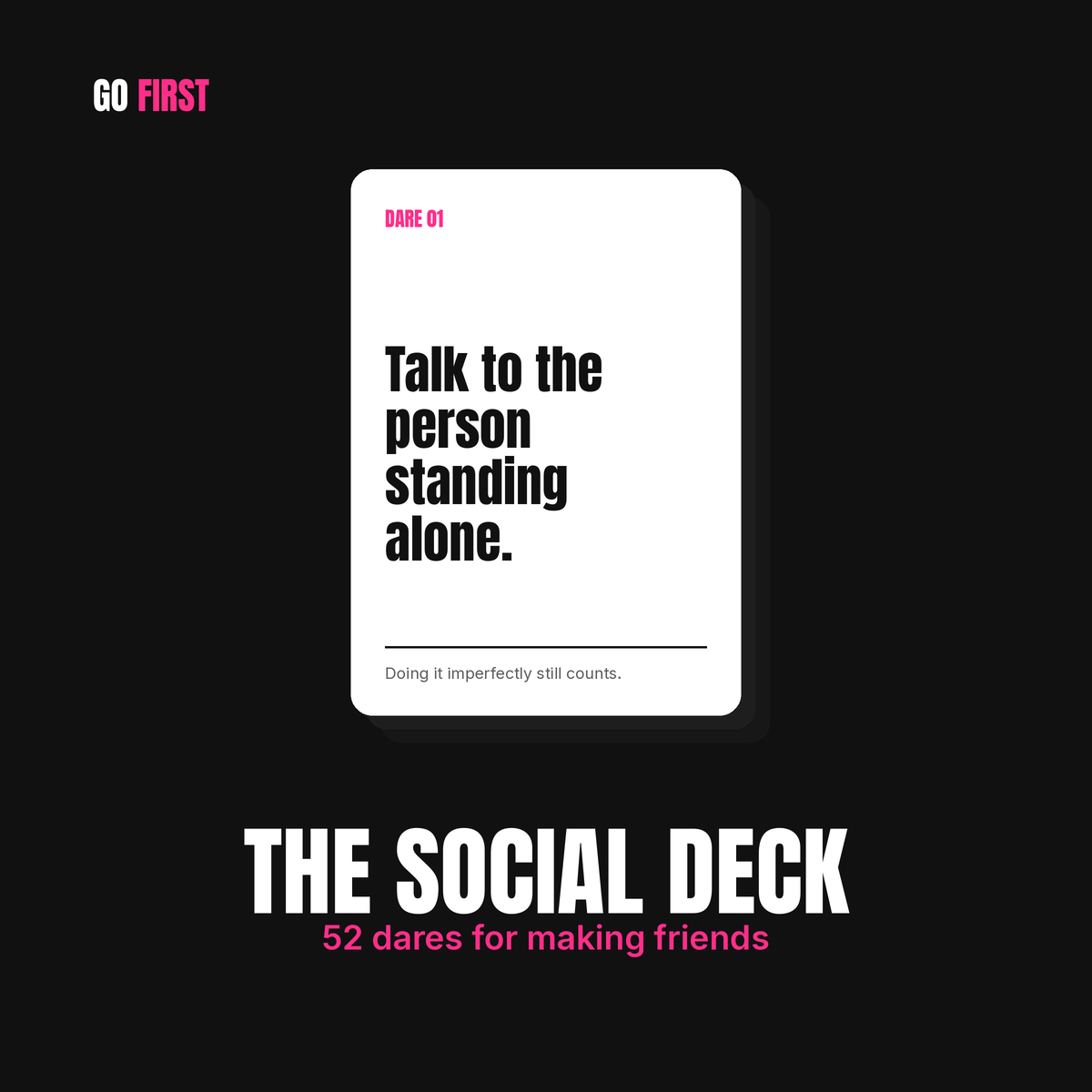
THE SOCIAL DECK
52 dares for making friends, keeping them, and being the one who reaches out.
Making friends as an adult is strange. Everyone wants more of it and almost nobody moves first, so rooms full of people who'd like each other stay quiet. This deck puts you on the other side of that. Talk to the person standing alone. Text the person you've been meaning to text since spring. Ask someone to get coffee with no other agenda.
Some of these take ten seconds. A few will sit in your stomach for an hour before you do them. That's the point.
Pull one whenever you want it. Do it that day, mark it done, and pull another when you're ready. No schedule, nothing that breaks if you skip a week.
How it works
Open the link on your phone and add it to your home screen. It behaves like an app without being one, so there's nothing to download and no app store involved. Your progress saves as you go, and no dare repeats until you've been through all 52.
Who it's for
Anyone who moved somewhere new, came out of a long relationship, works from home, or just looked up one day and realized they hadn't made a new friend in five years. It works whether you're shy or perfectly social and simply out of practice.
What you get
Your deck link, sent right after you buy. Setup takes about thirty seconds.
Doing it imperfectly still counts.
How to use it
It's simple. You get a link. Open it on your phone and start pulling cards.
Tap Pull a card and you get one dare. Do it that day if you can, then tap I did it to count it. Pull another whenever you want one. No card repeats until you've been through all 52.
Want it on your home screen?
You don't have to. The link works fine from your bookmarks. Most people add it anyway, because an icon you can tap is a deck you'll actually use, and a link buried in your browser history is one you'll forget about by Thursday.
iPhone: Open the link in Safari, tap the share button at the bottom, scroll down to Add to Home Screen, and tap Add.
Android: Open the link in Chrome, tap the three dots in the corner, and tap Add to Home screen or Install app.
Either way it takes about thirty seconds and there's nothing to download.
Your progress saves on whichever device you use, so pick one and stay with it.
THE SOCIAL DECK
52 dares for making friends, keeping them, and being the one who reaches out.
Making friends as an adult is strange. Everyone wants more of it and almost nobody moves first, so rooms full of people who'd like each other stay quiet. This deck puts you on the other side of that. Talk to the person standing alone. Text the person you've been meaning to text since spring. Ask someone to get coffee with no other agenda.
Some of these take ten seconds. A few will sit in your stomach for an hour before you do them. That's the point.
Pull one whenever you want it. Do it that day, mark it done, and pull another when you're ready. No schedule, nothing that breaks if you skip a week.
How it works
Open the link on your phone and add it to your home screen. It behaves like an app without being one, so there's nothing to download and no app store involved. Your progress saves as you go, and no dare repeats until you've been through all 52.
Who it's for
Anyone who moved somewhere new, came out of a long relationship, works from home, or just looked up one day and realized they hadn't made a new friend in five years. It works whether you're shy or perfectly social and simply out of practice.
What you get
Your deck link, sent right after you buy. Setup takes about thirty seconds.
Doing it imperfectly still counts.
How to use it
It's simple. You get a link. Open it on your phone and start pulling cards.
Tap Pull a card and you get one dare. Do it that day if you can, then tap I did it to count it. Pull another whenever you want one. No card repeats until you've been through all 52.
Want it on your home screen?
You don't have to. The link works fine from your bookmarks. Most people add it anyway, because an icon you can tap is a deck you'll actually use, and a link buried in your browser history is one you'll forget about by Thursday.
iPhone: Open the link in Safari, tap the share button at the bottom, scroll down to Add to Home Screen, and tap Add.
Android: Open the link in Chrome, tap the three dots in the corner, and tap Add to Home screen or Install app.
Either way it takes about thirty seconds and there's nothing to download.
Your progress saves on whichever device you use, so pick one and stay with it.