Sale Price:
$2.99
Original Price:
$7.99
THE CLARITY JOURNAL
You already know there's something you've been waiting on. Maybe it's a move, a conversation, a class, a business idea, or something you've never said out loud. The Clarity Journal helps you find it, choose it, and take the first step this week.
What's inside
Six short guided steps that take you from a head full of "someday" to a signed commitment with a start date.
The Waiting List: brain dump everything you've been putting off, then name the ones that matter most.
What's Really in the Way: write down the reasons you've been waiting so they lose their grip.
Pick One: choose the thing that gives you the biggest jolt.
Shrink It: turn it into a first step small enough to do in the next 24 hours.
Set the Date: sign your name to a commitment card you can screenshot and keep.
Check In: come back at 7 days and 30 days to see how far you've come.
How to use it
The journal opens on your phone like an app. Tap Start and move through each step at your own pace. Your answers save automatically as you type, so you can stop anytime and pick up right where you left off. When you're done, you can copy everything you've written into your notes or an email to yourself.
Add it to your home screen
This step is optional, and it makes the journal easy to find when it's time for your check-ins.
iPhone: Open your link in Safari, tap the share button (the square with the arrow), then tap Add to Home Screen.
Android: Open your link in Chrome, tap the three dots in the corner, then tap Add to Home screen or Install app.
Good to know
Your answers are private and stay on your phone. Use the same device each time, since clearing your browser data will erase your entries.
Stop waiting for clarity to show up on its own.
THE CLARITY JOURNAL
You already know there's something you've been waiting on. Maybe it's a move, a conversation, a class, a business idea, or something you've never said out loud. The Clarity Journal helps you find it, choose it, and take the first step this week.
What's inside
Six short guided steps that take you from a head full of "someday" to a signed commitment with a start date.
The Waiting List: brain dump everything you've been putting off, then name the ones that matter most.
What's Really in the Way: write down the reasons you've been waiting so they lose their grip.
Pick One: choose the thing that gives you the biggest jolt.
Shrink It: turn it into a first step small enough to do in the next 24 hours.
Set the Date: sign your name to a commitment card you can screenshot and keep.
Check In: come back at 7 days and 30 days to see how far you've come.
How to use it
The journal opens on your phone like an app. Tap Start and move through each step at your own pace. Your answers save automatically as you type, so you can stop anytime and pick up right where you left off. When you're done, you can copy everything you've written into your notes or an email to yourself.
Add it to your home screen
This step is optional, and it makes the journal easy to find when it's time for your check-ins.
iPhone: Open your link in Safari, tap the share button (the square with the arrow), then tap Add to Home Screen.
Android: Open your link in Chrome, tap the three dots in the corner, then tap Add to Home screen or Install app.
Good to know
Your answers are private and stay on your phone. Use the same device each time, since clearing your browser data will erase your entries.
Stop waiting for clarity to show up on its own.
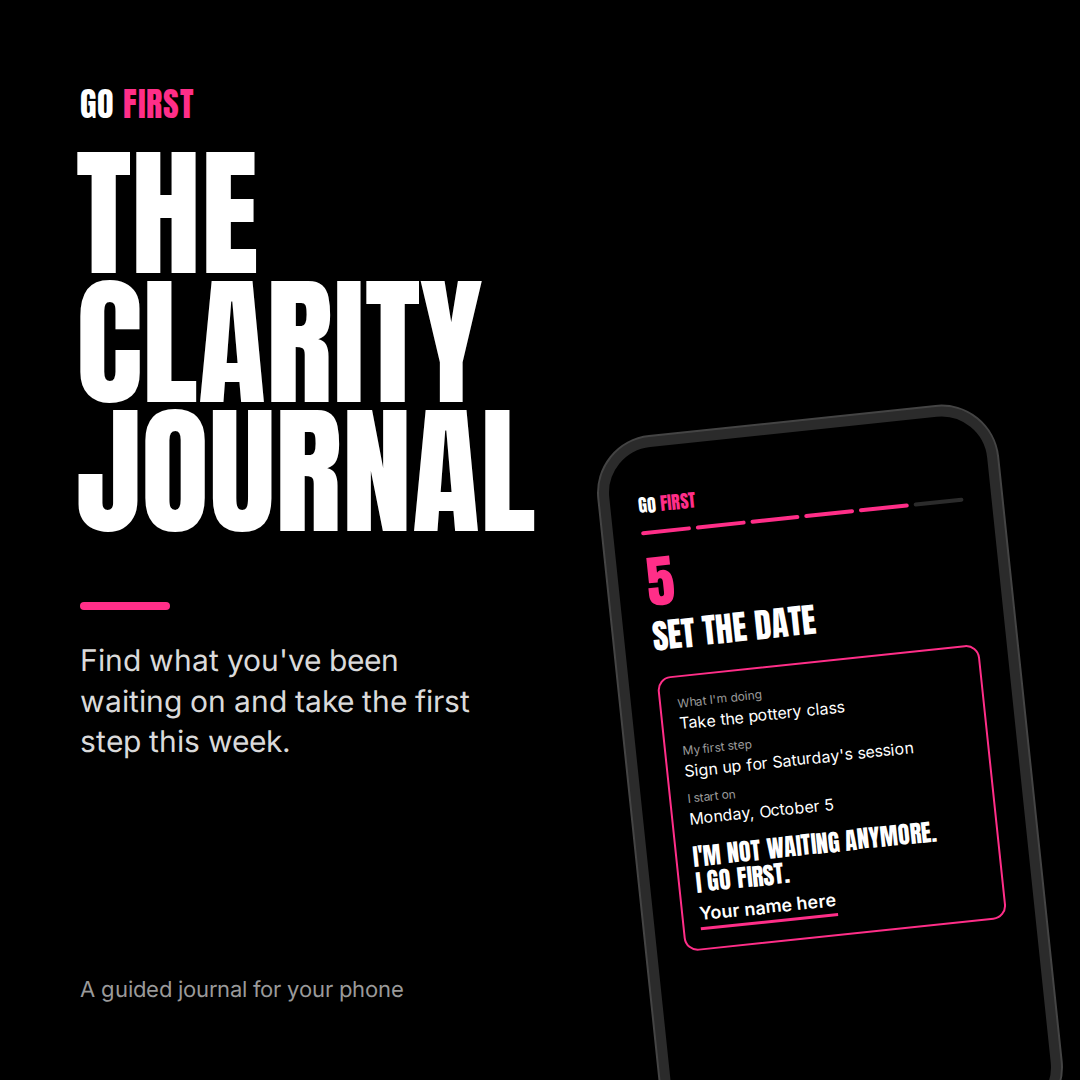 Image 1 of 1